 Castellan




The staff · The Reeve

The Reeve
Thatcher
HouseholdWorks with you
Finds updates for your apps, and says what each one changes.
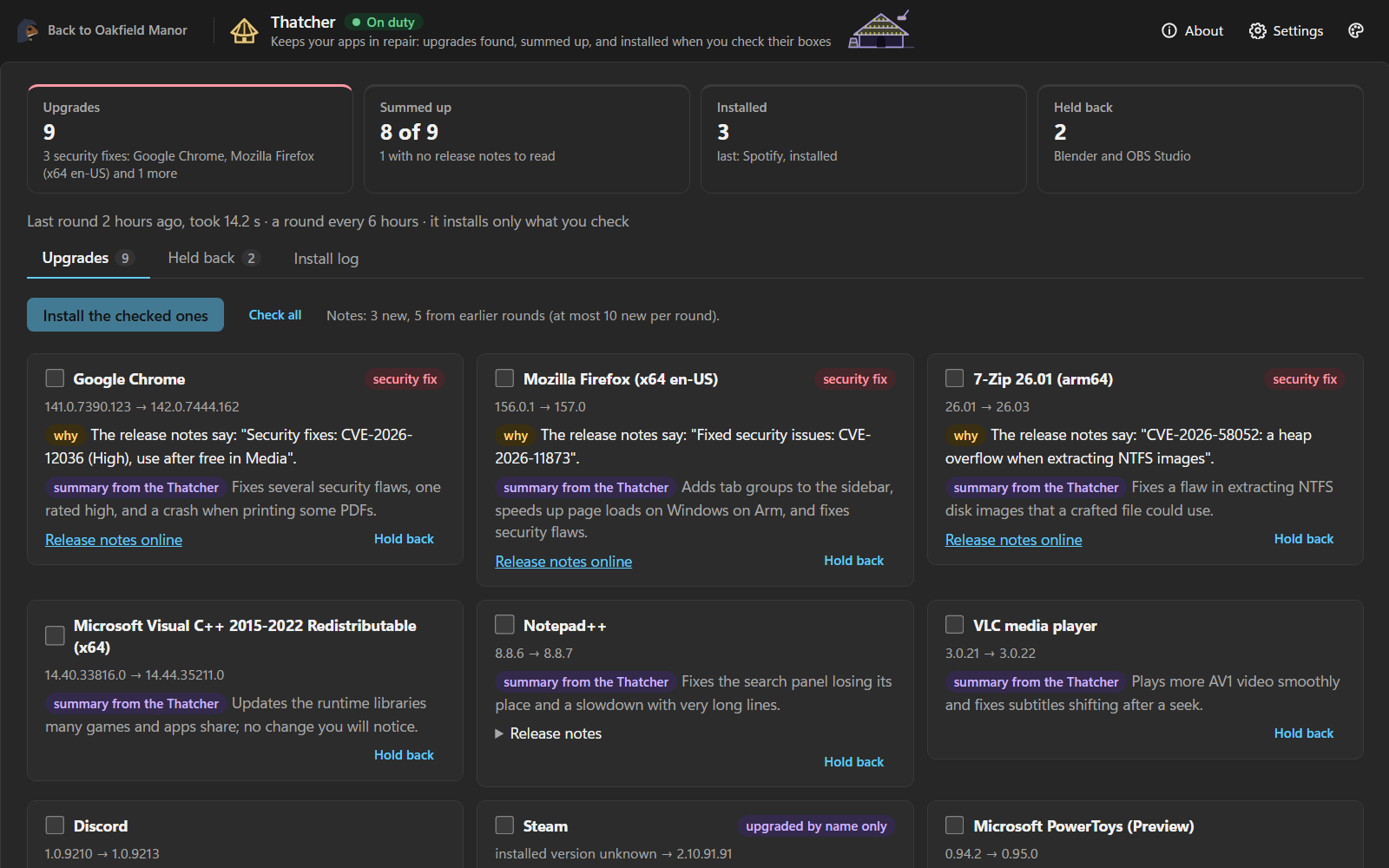
Every few hours it looks for upgrades, puts security fixes first, says in a line what each one changes, and installs only the ones you check.
On a manor, the reeve saw that the day's work got done.
Download the free trial7 days, no cardOn an Arm PC (Snapdragon)? Get its setupEdge may say it isn't commonly downloaded: Castellan is new. Hover over the download and choose … > Keep, then ▾ by Delete > Keep anyway.See the pricesIn Household and Workshop
How it works
Upgrades waiting
- PDF reader 24.2 → 24.3
- Media player 3.0.20 → 3.0.21
- Zip tool 24.08 → 24.09
- Photo editor 5.1 → 5.2
Thatcher says
- PDF reader 24.3Security fix: first in line
- Media player 3.0.21Subtitles no longer drift out of sync
- Zip tool 24.09Opens big archives faster
- Photo editor 5.2New brushes · left for later
An example: the names and numbers are made up.
On an everyday PC the Thatcher takes the Reeve, on a gamer's PC the Farrier does. Both are in Household. With Workshop, the Reeve takes the office and the others keep working behind it.
 Farrier Checks your gaming PC is set up to play at its best.
 Reeve Reads your code and logs on your PC, so your AI coding assistant gets only the lines it needs.
Documentation
What's new
Every release0.3.9 ·
Each upgrade's card shows the app as Windows does: its own icon, who makes it, when you installed it and when the new version came out.