 Castellan





The Reeve
Reads your code and logs on your PC, so your AI coding assistant gets only the lines it needs.
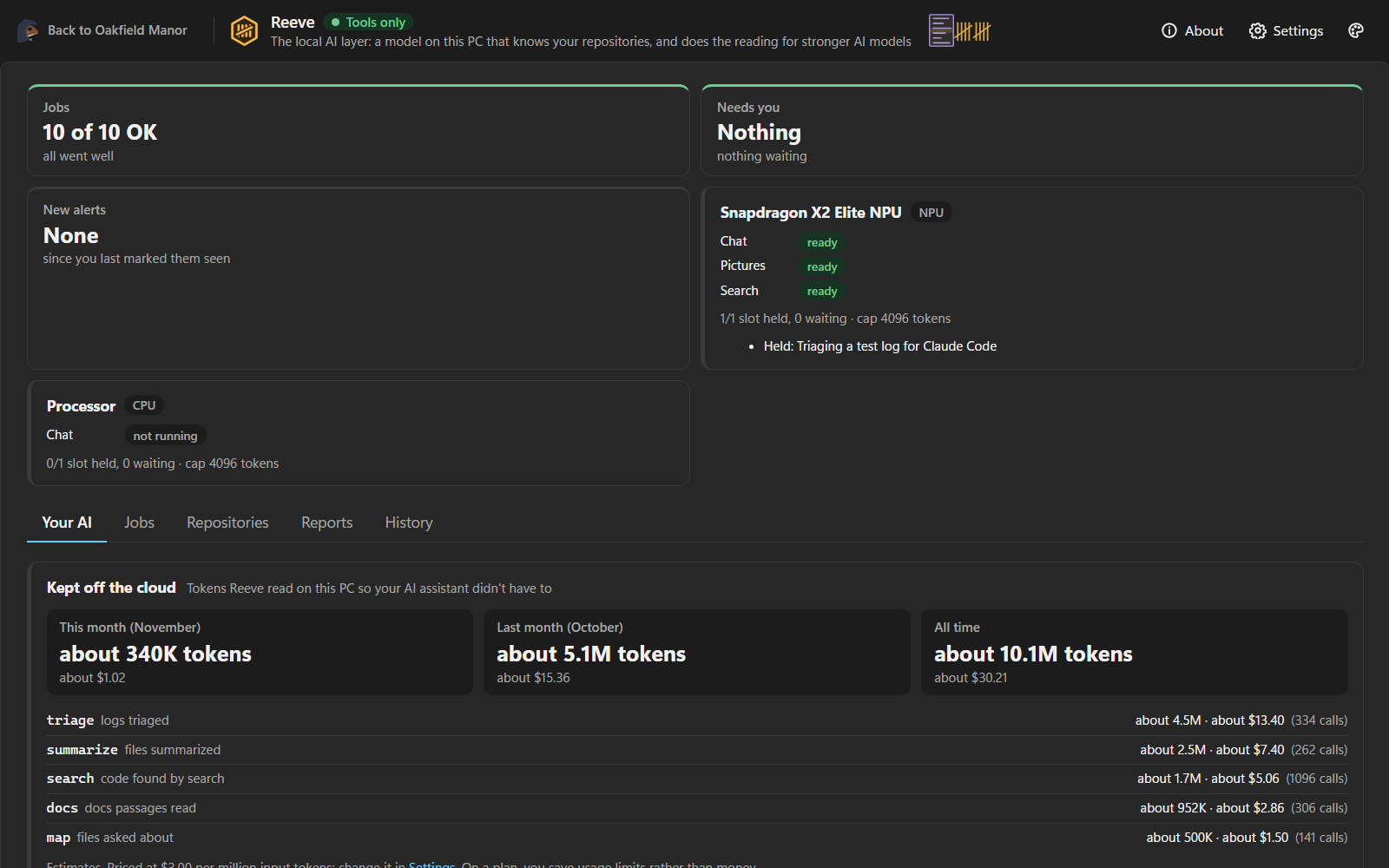
Your assistant calls Reeve instead of pasting whole files and logs into the cloud. Reeve reads long build and test logs, searches and summarizes your code, and answers from the docs your lockfile pins, all on your own hardware, and hands back only the lines that matter. Turn its rounds on, and it looks after your repositories too: dependency health, upgrades, security alerts, failing tests. Its page counts the tokens it kept off the cloud.
On a manor, the reeve saw that the day's work got done.
How it works
- Your assistant asks:
- “Why did the build fail?”
- src/app.ts:42Type error: string is not a number
- login.test.tsFails since the last commit
- 3 lines instead of 4,812
An example: the names and numbers are made up.
On an everyday PC the Thatcher takes the Reeve, on a gamer's PC the Farrier does. Both are in Household. With Workshop, the Reeve takes the office and the others keep working behind it.
 Farrier Checks your gaming PC is set up to play at its best.
 Thatcher Finds updates for your apps, and says what each one changes.
Reeve's tools, and connecting your AI coding assistant
Documentation
- Reeve, the local AI layer for your repositoriesOverview
- Connect your AI coding assistant to ReeveHow-to
- Reeve's MCP tools, one by oneReference
- Reeve's rounds: the jobs, the digest and alertsReference
- Your repositories in ReeveHow-to
- Reeve with GitLab, Azure DevOps, Gitea, Forgejo, Codeberg and BitbucketReference
- Where Reeve's work runsConcept
- Version-pinned docs, docs lint and the upgrade scoutConcept
- Kept off the cloudConcept
- History: commands, failures and past AI sessionsConcept
- Reeve's settings, files and environmentReference
- Reeve's command lineReference
- Reeve's local APIReference
- When Reeve isn't working as it shouldTroubleshooting
What's new
Every release0.21.2 ·
Brings 3 changes: Each job's card now says what the job does, with its last run behind a tip; the jobs only Castellan's own developers use no longer show on your PC; Behind-the-scenes checks of Reeve's release notes; Clearer messages where Reeve used to point at notes you don't have.