Castellan




The staff · The Auditor

The Auditor
Marshal
HouseholdWorks with you
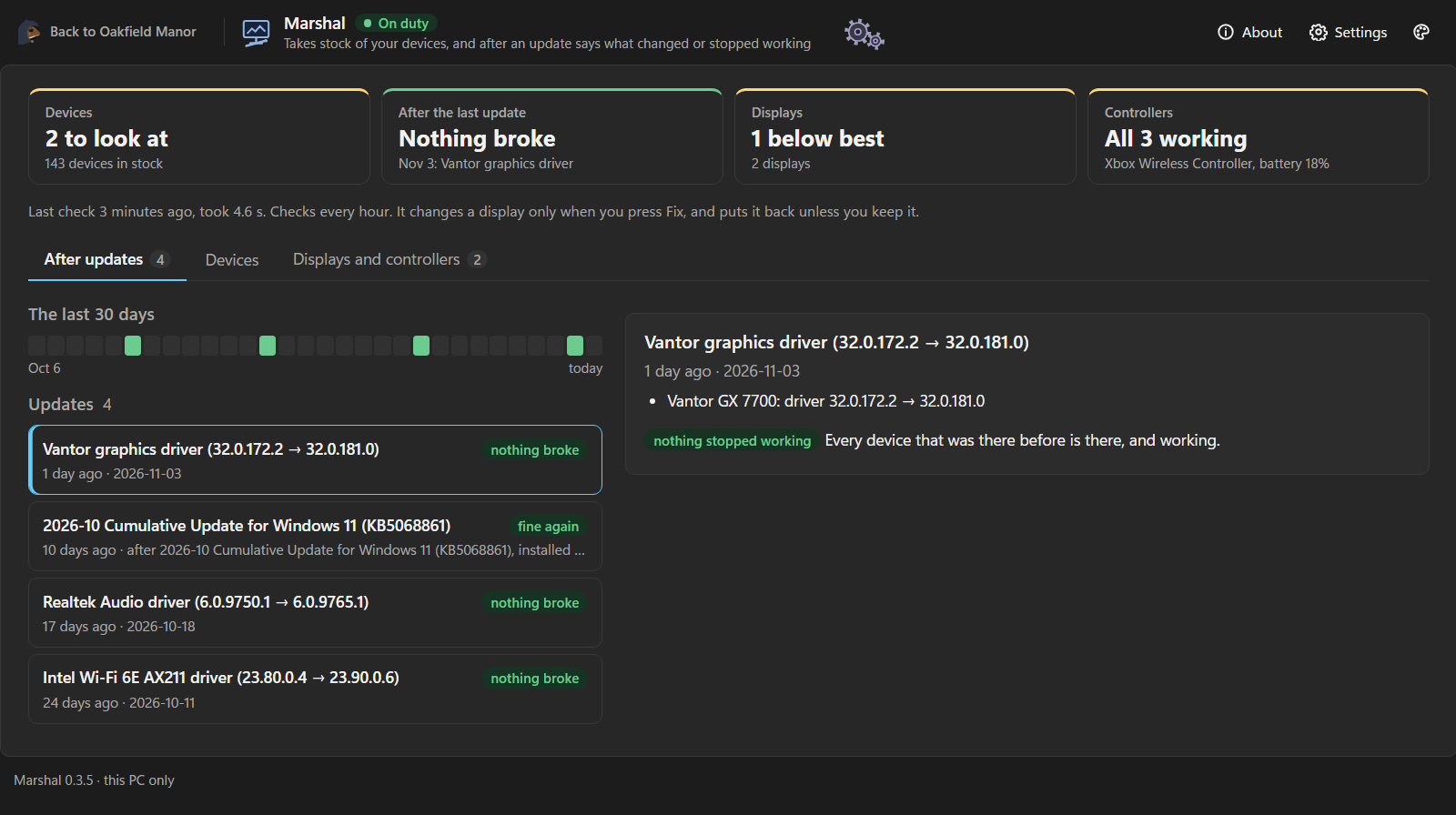
Takes stock of your PC's devices, and says what an update changed.
Sound, camera, microphone, Wi-Fi, Bluetooth, printers, displays and any device with a problem, checked every hour and again after a Windows or driver update, with what changed said plainly. With Game displays and controllers on (on a gaming PC, it is from the start), it also says when an update leaves a display at 60 Hz instead of 144, below its resolution, or with HDR off, and sets it right in one press, putting it back by itself unless you keep it. It watches your game controllers too.
The auditors heard the reeve's account every Michaelmas and checked it line by line.
Download the free trial7 days, no cardOn an Arm PC (Snapdragon)? Get its setupEdge may say it isn't commonly downloaded: Castellan is new. Hover over the download and choose … > Keep, then ▾ by Delete > Keep anyway.See the pricesIn Household and Workshop
How it works
Your devices
- Sound
- Camera and microphone
- Wi-Fi and Bluetooth
- Printer
- Display and game controller
After the update
- Sound, camera, Wi-Fi, BluetoothAs before
- MicrophoneIts driver changed
- PrinterNot found since the update
- With Game displays and controllers on
- Main display: 60 of 144 Hz, HDR offSet to 144 Hz, Turn HDR on: a click each
An example: the names and numbers are made up.