 Castellan





The Surveyor
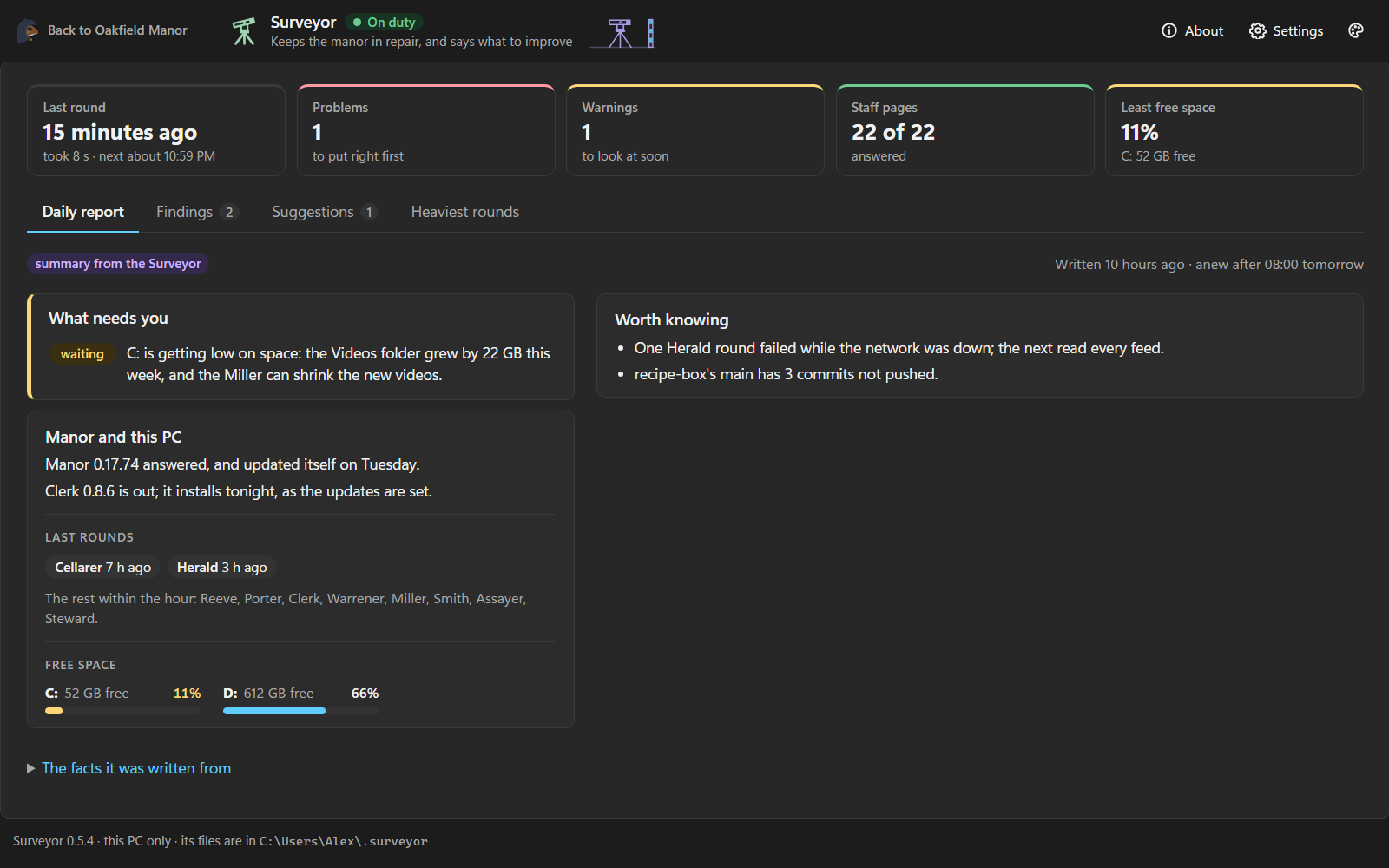
Checks that your PC and every employee are working, and says what to mend.
Looks at each employee's page, rounds and logs; Windows, driver and app updates; backups; the disk and the battery. Then it suggests fixes and improvements.
The surveyor walked the estate, wrote down the state of every building, and said what to mend.
How it works
- Each employee's page and logs
- Windows, driver and app updates
- Backups
- The disk
- The battery
- Staff all working
- A driver update is waitingSuggest: install it tonight
- Backups ran last night
- Disk 91% fullSuggest: shrink the big videos
- Battery holding 84%
An example: the names and numbers are made up.
Documentation
What's new
Every release0.5.24 ·
Brings 4 changes: Windows 11 version 24H2 Home and Pro get no more updates, and the Surveyor now says so, with the way on; The Surveyor now tells you when Windows blocks one of your programs' drivers, and what to update; File History that has quietly stopped backing up is now a warning, judged by the backup on its drive rather than by File History's own window; Secure Boot still on Microsoft's expired 2011 certificates? The Surveyor now says so, and what to do.