


The Reeve
The local AI layer under your AI coding assistant: a local MCP server for your repositories.
Your assistant calls Reeve instead of pasting whole files and logs into the cloud. Reeve reads long build and test logs, searches and summarizes your code, and answers from the docs your lockfile pins, all on your own hardware, and hands back only the lines that matter. Every 30 minutes its rounds look after your repositories: dependency health, upgrades, security alerts, failing tests. Its page counts the tokens it kept off the cloud.
On a manor, the reeve saw that the day's work got done.
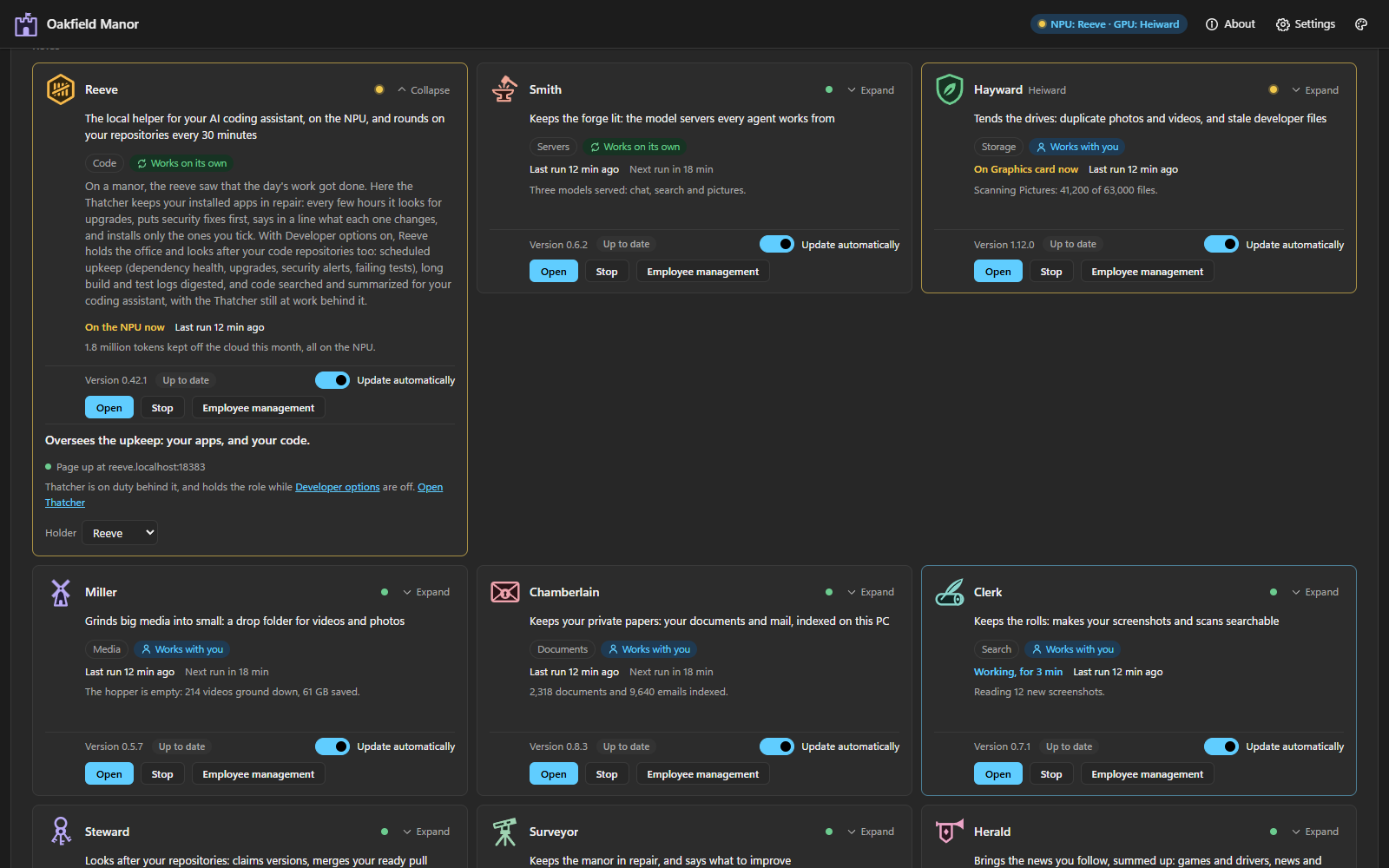
The Reeve has two hires. With Workshop, Reeve takes the office and Thatcher keeps working behind it.
 Thatcher Keeps your installed apps in repair.
For people who work with AI agents
Reeve, the local AI layer
Your AI coding assistant is the brain. Reeve does the reading. It's a local MCP server: a small model on your NPU, GPU or CPU that knows every repository on your PC, and that your assistant calls instead of pasting whole logs and files into the cloud.
- Runs on your PC. The MCP server is a process on this machine, not a web service: your code, logs and questions never leave it.
- Plugs into your assistant. Set up for you when you hire Reeve, with ready-to-copy setup for the other assistants that speak MCP.
- Counts what it saves. Its page keeps a running total of the tokens it kept off the cloud, and what they would have cost.
- Does the rounds. Every 30 minutes it looks after your repositories: dependency health, security alerts, upgrades, failing tests.
Reads the logs
Long build, test and runtime logs, digested to the causes that matter. Code decides pass or fail; the model explains.
Searches your code
“Where is this handled?” across a whole repository, by meaning, from an index kept on your PC.
Answers from the right docs
Each library's docs for the version your lockfile pins, with every quote checked against them.
Finds what an upgrade breaks
The breaking changes in your outdated dependencies that hit code you actually use, with the file and line.
Summarizes big files
The gist of files too long to paste, with line references back to the source.
Checks your screens
Clipped, overlapping or cut-off text in your app's screenshots, found with Windows' own OCR.
Fifteen tools in all, every answer labelled for your assistant to check. Reeve is in Workshop.
What's new
Every release0.12.0
What's new
- The NPU is used whoever made it: GenieX on a Snapdragon, OpenVINO Model Server on an Intel Core Ultra, FastFlowLM on an AMD Ryzen AI 300 and later. Castellan's Set up local AI (or the Smith's Set up, or
accelerators setup) installs its server and models; you no longer install GenieX and pull its model by hand. acceleratorsnames the NPU's maker and generation, and says plainly when the manor can't use it.
What changed
- The model setup (the accelerators, their order and idle times) is read from
%USERPROFILE%\.manor\accelerators\config.jsononce it exists; Reeve's own settings stay in hisconfig.json. Without the Smith,accelerators setupwrites there too. installno longer points Reeve at GenieX unless GenieX is installed on a Snapdragon; otherwise it says to run Set up local AI.- The messages that said "Reeve isn't set up" now point to Castellan's Set up local AI.
- A manor whose settings give it no name is called Castellan, the product's name, on Reeve's page and in the
manortool, as on every agent's title bar (the Steward's kit 2.32.0).
Before you update
- Nothing to do: the model setup is copied from Reeve's
config.jsoninto Manor's folder, word for word, the first time the Smith (or Reeve's keeper) reads it; Reeve's file is left as it was. The Steward's kit 2.32.0 must be released first.
Installing
- Manor installs and updates Reeve by itself. To install it by hand, unpack Reeve-0.12.0.zip anywhere and run
node src\cli.ts install(Node 22.18 or newer). It installs Reeve into %USERPROFILE%\.reeve\app; see the README's Install section.SHA256SUMS.txtlists the zip's SHA-256 (PowerShell:Get-FileHash).